

Televisions, as one of the main means of entertainment and information, play an important role in everyday life. Correct installation and operation of the TV is the first step to benefit from all the facilities and features of this device. This process, although it may seem complicated at first glance, is easy to do by following simple and precise steps.
Select the best place to install TV
Choosing the right place to install the TV is one of the important decisions in interior decoration design, which affects your viewing experience and the beauty of the environment.
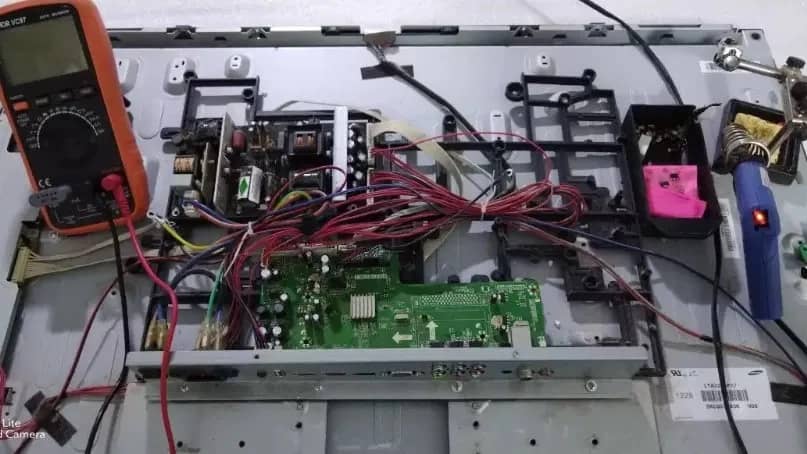
Important Factors in Selecting TV Installation
TV installation tutorial
After buying a TV, many people intend to install and operate the device on a special table. But you should pay attention to the fact that if the TV is not installed correctly on the table, it may fall due to instability and damage the TV itself, the surrounding equipment and even people. To install the TV on the table, it is better to use a table that is large and strong enough to support the weight of the TV. Also, it is better to place the table in a place that is safe and accessible.
1. Installing a TV desktop base
Tools required: suitable screwdriver, allen wrench (if needed), TV manual and stand - Choose a smooth, firm and large enough surface to place the TV. - Make sure the installation location is close enough to the power outlet and other peripheral devices. - Connect the base parts according to the manual. Make sure all screws are tight. - On the back of the TV, there are places to connect the base. These locations are usually marked with a label or symbol. - Screw the base brackets to the marked locations on the TV. Make sure the brackets are firmly attached to the TV. - Carefully lift the TV and place it on the stand. Make sure the stand fully supports the TV. - Adjust the TV so that the screen is horizontal and vertical. - Fasten the base to the table or the desired surface using screws and a suitable screwdriver. Make sure the stand is firmly attached to the table.
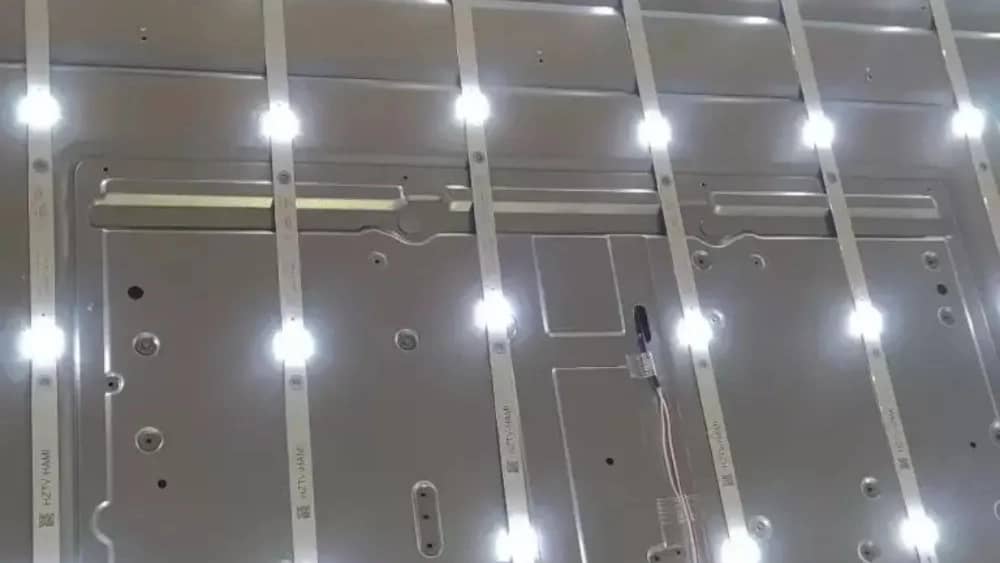
2. The tutorial on the rear of the TV's back screw
- On the back of the TV, look for protrusions or holes that indicate where to install screws. These places are usually marked with labels or signs. - Make sure that the base or bracket is completely placed on the specified place. - Tighten the screws using a suitable screwdriver. Be careful not to overtighten the screws so as not to damage the threads. - After tightening the screws, gently shake the base or bracket to make sure it is tight. - Make sure the TV is fully seated on the stand or bracket and there is no looseness. - Use screws designed specifically for your TV. Improper screws may damage the threads and cause the base or bracket to loosen. - Tighten the screws with proper torque. Over-tightening the screws may damage the threads or the TV screen.
The guide for installing and setting up the TV includes all the topics that can be done accurately in a very short period of time to witness the successful connection of the TV without any problems in the viewing angle. It is suggested to entrust these steps to Alinejad electronic services.
