
Behzi
Top service
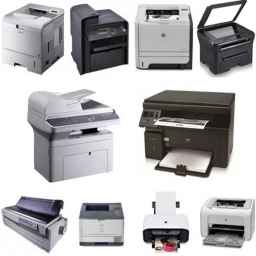
Top serviceTop Service operates in the field of specialized services and repairs of photocopiers and all types of printers and scanners in Tehran and provides services to you, dear fellow citizens.

1


Repair of photocopiers, printers and scanners in Tehran

Reading Time 1 Minutes

Repair of photocopiers, printers and scanners in Tehran

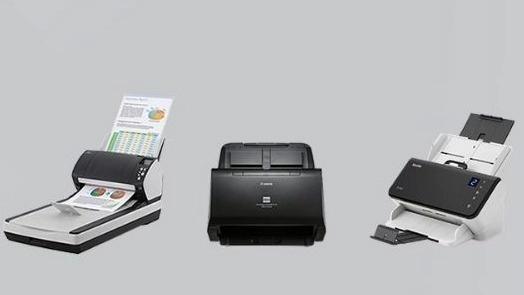
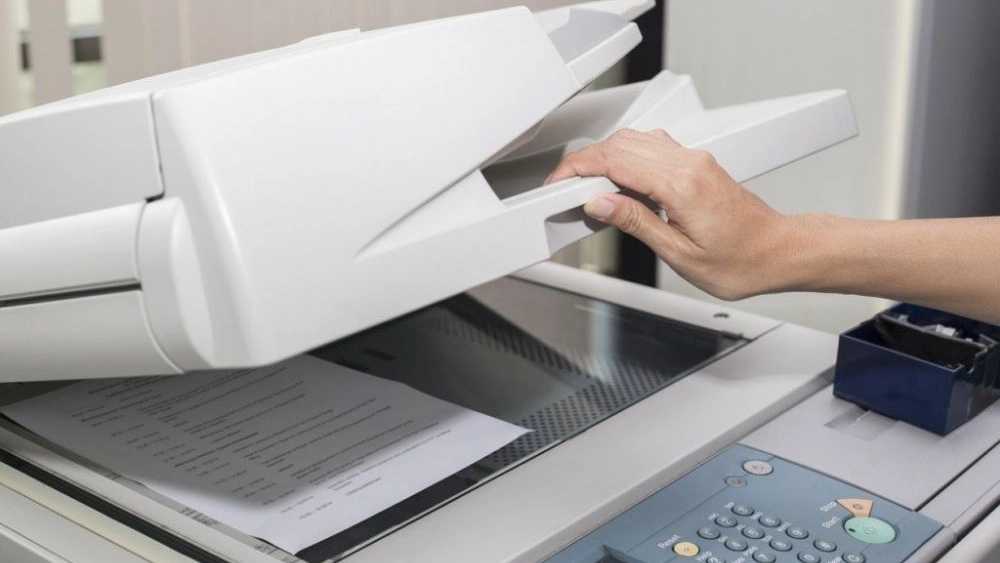
As one of the main work equipment in office and commercial environments, the scanner device plays an important role in converting paper documents and images into digital format. Scanners are divided into two categories: feeder and flat, each of which is used by a range of users. To maintain the high efficiency and productivity of this device, proper maintenance and care is necessary after purchasing the scanner. Taking care of the scanner device can help to maintain the correct operation and the life of the device.
تعمیر فتوکپی پرینتر و اسکنر در تهران

The maintenance tips of the scanner machine

1. Scanner

If you use the scanner a lot, it is better to clean it daily. To clean the body and its internal part, first wipe the dust of the device with a dry tissue and then clean it with a cotton swab dipped in alcohol. Scanners can also be cleaned once a week with Staticide pads. If you don't use it much, monthly cleaning is not a problem. Lubricating the device is also one of the important points that should be done at the necessary times.

2. The best time to connect the scanner to the electrical devices

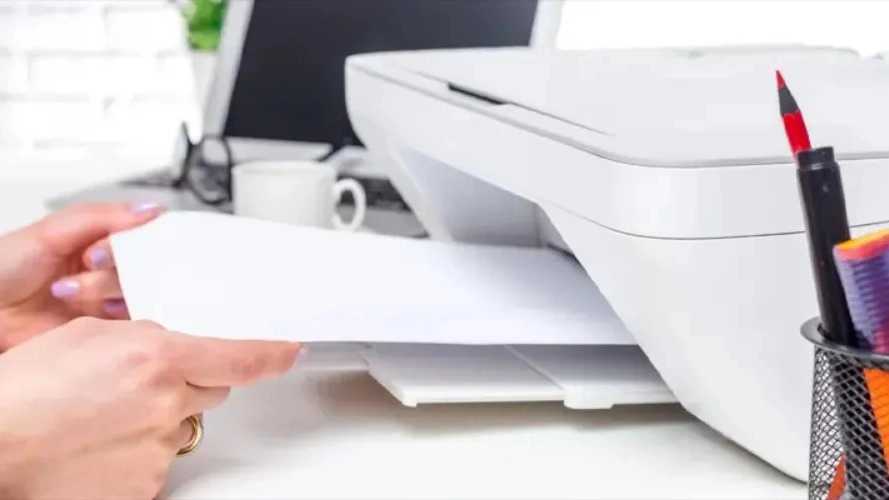
It is better to first connect the scanner to the computer and then turn it on before turning on the scanner. When you connect the powered scanner to the computer, the power voltage puts a lot of pressure on the device. So always do this before turning on the device.

1. Maintenance and proper care of the scanner home screen

Another point that you should pay attention to in taking care of the scanner is its glass screen. Be careful not to place hard or edged objects on it, as this may cause the screen to break or scratch.

1. Drop in the scanner

Leaving it in the scanner may damage the device. Therefore, when putting a photo or document into the scanner, be sure to pay attention to this point. Use paper for scanning that does not cover the entire screen and avoid placing paper larger than the scanner screen. Because it puts pressure on the device and causes it to fail in a short period of time.

1. Using Auto and Care of Scanner

If you have just scribbled on paper with a pen, never put it into the scanner right away. Because when the paper heats up, the ink spreads on it and it may contaminate the main screen of the scanner.

1. Care of the scanner and how to use it

It is recommended not to leave the scanner on for a long time and turn it off every 1 hour and 15 minutes. In addition, read the manual of the device and use it based on the daily scanning capacity. Using the scanner a lot or for a long time will increase the temperature of the electronic parts and cause damage to the device.

Need to clean the scanner

Stuck scanner for several days in a row Creating stains on scanned documents Scan multiple pages together Unusual sound of the scanner when scanning pages The appearance of irrelevant lines in the scan image Reduce scanned images

Important Tips of Printer

The first thing you should do after buying a printer or any other electronic device is to read the manual of the device. By doing this, the basic principles of using a printer or any other device, such as the type of voltage used by the device, important points about moving and installing it, guidance on working with the main menu of the printer and its instructions, or mentioning the basic problems of the device and its solution. Fixing them is mentioned. Using original cartridges and consumable parts in the printer will have a great impact on the life of your device. Pay attention to the fact that at first glance, buying these original parts may not be economically viable, but in the long run, it will bring many advantages for the following reasons: The use of quality raw materials in the construction of the cartridge body Do not damage the other parts of the printer Use quality toner Higher print cartridge capacity Low failure rate

Never use a common outlet to connect a printer or any other device to electricity. It is okay to follow this point when connecting several low-power electrical devices, such as when you connect two or more mobile phones to a surge protector. But when you connect larger and more consuming devices such as printers, especially multi-function devices, with other devices such as computers or laptops, it will damage your device in the long run. Always place the device on a flat surface away from direct sunlight and heat and heating devices. In general, the heat of the environment affects the functioning of electronic devices. This is exactly why a part called fan or cooling is designed in multifunction printers. The fan in the printer is a part whose main task is to keep the temperature inside the device low and to cool the parts exposed to heat, especially fusing. If the cooling or fan in the printer works properly, the internal temperature of the device will decrease, and then the lifespan of the device will increase and the quality of printing will also increase. Always clean the inside and outside of the device with a clean tissue after using the device for a certain period of time, and also perform periodic general service of the device at least once every two years by a professional repairman. Another thing is that when you do not need to use the device, always cover the printer with a cover so that dust particles or fat particles do not enter the internal parts of the device. Never put the paper in the printer tray - to prevent them from sticking to each other - do not blow between the stacks of paper.

Important to maintain laser printers

Always pay attention to its type when choosing paper for laser printers and buy paper for this chopper with the right material and weight, and if you use paper of different thickness or weight, select the type of paper in the settings section of the device. define Never put paper with staples or needles in the machine. Always pay attention to the power of the device when working with the printer. If your printer has a low working capacity, you can print up to 50 pages continuously and consecutively, and if it has a high working capacity, you can print up to 150 pages. When placing the paper in the printer tray, adjust the holding clips around the paper according to its size.

تعمیر فتوکپی پرینتر و اسکنر در تهران

Important to keep inkjet printers

The most important point in the maintenance of inkjet printers is its continuous use. This means that if inkjet printers are not used for printing images or photos for a long time, there is a high possibility of the device head drying up. To avoid this problem, even if you do not need to print photos or images, print on a weekly basis. Do it with the device. If the ink cartridge runs out in inkjet printers, charge it immediately to prevent the remaining ink from drying out in different parts of the machine and as a result, the machine will fail. When turning off the device or disconnecting its two power plugs from the outlet, make sure that the printer head is placed in its original place. (In other words, the device head is parked.) To clean the head in inkjet printers, there is a software called Head Clean. Note that using this software too many times will damage the head of the device and cause it to burn. Periodic service of inkjet or laser printers has a great impact on the life of the device. During this operation, which is called the general service of the device, all the external frames are opened and cleaned. Also, the internal parts of the device, such as the fusing of the device or its laser unit, are opened, cleaned or greased. Damaged ones are repaired or replaced and the device is closed again. It is recommended to do this periodically and at least once every two years.

Content support expert - code 05 - extension 229

Content support expert - code 05 - extension 229

Post Author

11140

common:article

View Page

I am a content support expert with code 05 in Behazi. My job is to manage, upload and optimize business content. To contact me, you can call 01391001011 extension 229.


Top service, repairing photocopiers, printers and scanners in Tehran

Top service, repairing photocopiers, printers and scanners in Tehran

Top Service operates in the field of specialized services and repairs of photocopiers and all types of printers and scanners in Tehran and provides services to you, dear fellow citizens.

Page View:  

  • The maintenance tips of the scanner machine

  • 1. Scanner

  • 2. The best time to connect the scanner to the electrical devices

  • 1. Maintenance and proper care of the scanner home screen

  • 1. Drop in the scanner

  • 1. Using Auto and Care of Scanner

  • 1. Care of the scanner and how to use it

  • Need to clean the scanner

  • Important Tips of Printer

  • Important to maintain laser printers

  • Important to keep inkjet printers