

Section 1: Regular cleaning and preventing the accumulation of dust
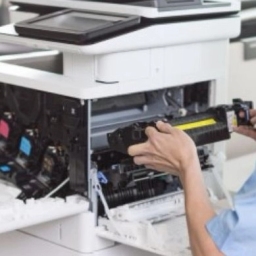
One of the most important things to extend the life of the printer is to clean it regularly. Dust accumulation can impair the functioning of various parts, including printing head, and serious failures.
تمیز کردن منظم محفظه پرینتر: به طور منظم، محفظه داخلی پرینتر را با استفاده از یک پارچه نرم و بدون پرز تمیز کنید. Note that you do not use chemicals or strong solutions to clean, as it may damage sensitive printer components. Cleaning Head Printing: In their inkjet printers, the printing head is covered with ink material over time. Regular cleaning of the printing head using software or methods embedded in the printer can prevent obstruction and cramps. Cleaning filters and trays: Regularly clean air filters and paper trays to prevent garbage and dust from accumulating.
Section 2: Correct use of paper and ink
The use of appropriate paper and ink plays a key role in the printer's long and long -term functioning.
Using Quality Paper: Using quality and convenient printer paper, preventing problems such as stuck paper, printing errors or print head damage. Using the original ink: Using the original and quality ink, in addition to ensuring the quality of printing, prevents damage to the printer's interior parts. Fake inks may cause printing head blockage and other problems. Observe the amount of paper tray filling: Excessive filling of the paper tray can lead to the paper and damage to the printer.
Section 3: Prevent common errors
Many printer problems are caused by common errors that can be prevented by printer life.
Sudden power outage: sudden power outages during printing can cause printers to break down. To prevent this problem, always remove it from electricity before turning off the printer. Lack of Continuous Use of Printer: If you use the printer low, turn it on and off regularly to prevent dust and dryness of ink. Failure to put foreign objects in the printer path: Make sure no foreign object is in the direction of the printer's movement to prevent damage.
Section 4: Pay attention to environmental conditions
environmental conditions such as humidity and temperature also affect the printer's life.
appropriate environment: Place the printer in a place with proper temperature and moisture to prevent damage to electronic components. away from direct sunlight: Placing the printer to direct sunlight can damage the parts and change the color of the ink.
Section 5: Preventive Maintenance
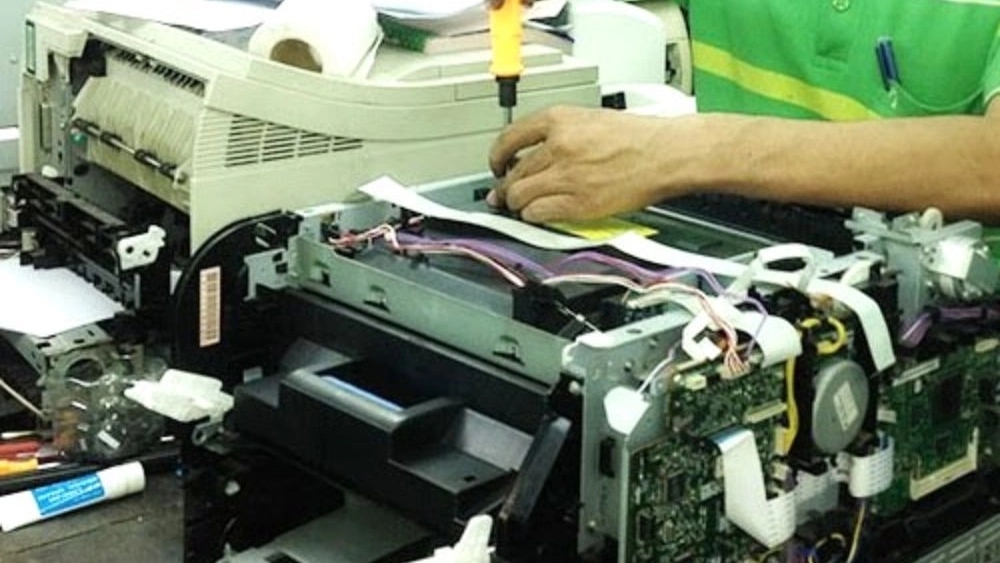
Preventive maintenance can help you prevent serious problems with your printer. Regular review of parts: Regularly check the printer parts and quickly repair or replace the fragment if you see any problems. Use Technical Services: To make complex repairs or replace sensitive parts, help with experienced printer repair specialists.
Conclusion:
By following the tips mentioned in this article, you can dramatically extend your printer life and avoid potential problems. Shiraz Printer Store is ready to maintain a role in maintaining your optimal printer performance by providing professional maintenance services and quality spare parts. Contact us for more information and advice.
