


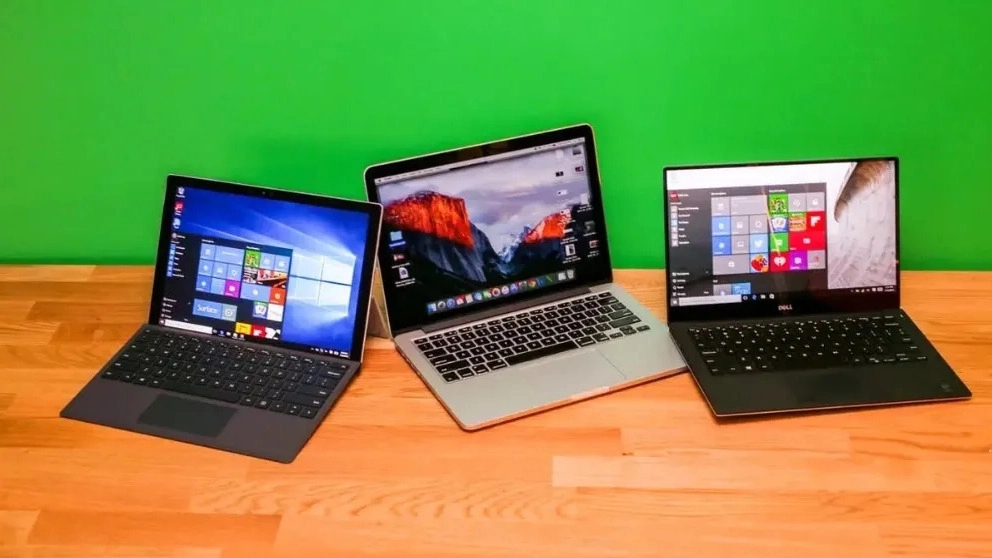
If you go to a store in person to buy a stock laptop, be sure to note that the seller will give you a test and warranty period. Because the stock products have no warranty and their official support time has expired. We suggest that you carry the checklist of the following items along with the relevant software and buy with an initial test.
✔️ Laptop hard drive test
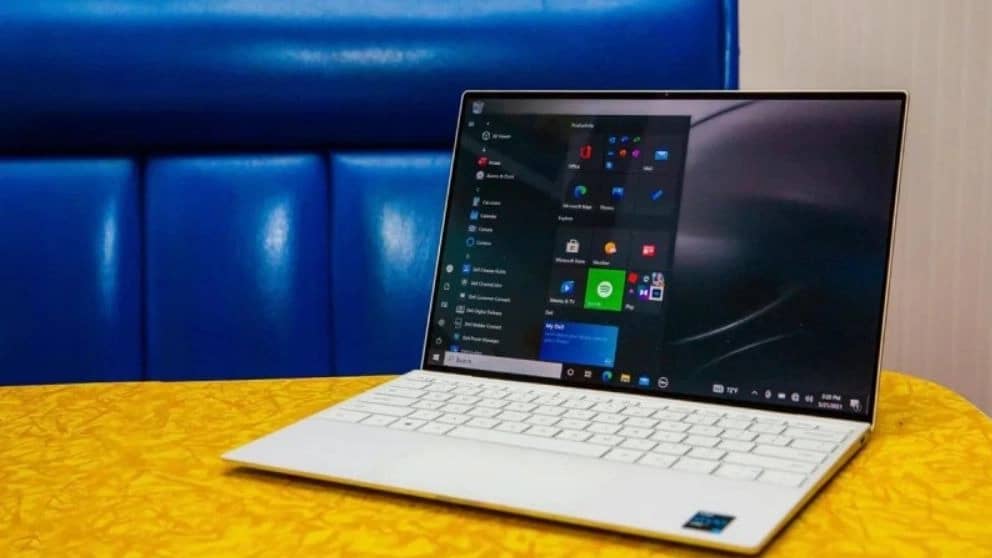
✔️ Laptop Battery Test
Information about the health of the battery can be easily done by software. For example, you can check battery information using tools such as BatteryInfoView and BATExpert.
✔️ Laptop display test
Generally, there is no special test for this part, but it is better to check the screen on colored backgrounds, especially black and red. Make sure that the screen does not have any spots, cracks or white halos.
✔️ CPU, RAM and Graphics Test
PassMark BurnInTest software is the best option to check these two parts. In addition to RAM, graphics, and graphics, this software also checks all parts of the system, including speakers and even the device's webcam, and informs you if there are any problems.