
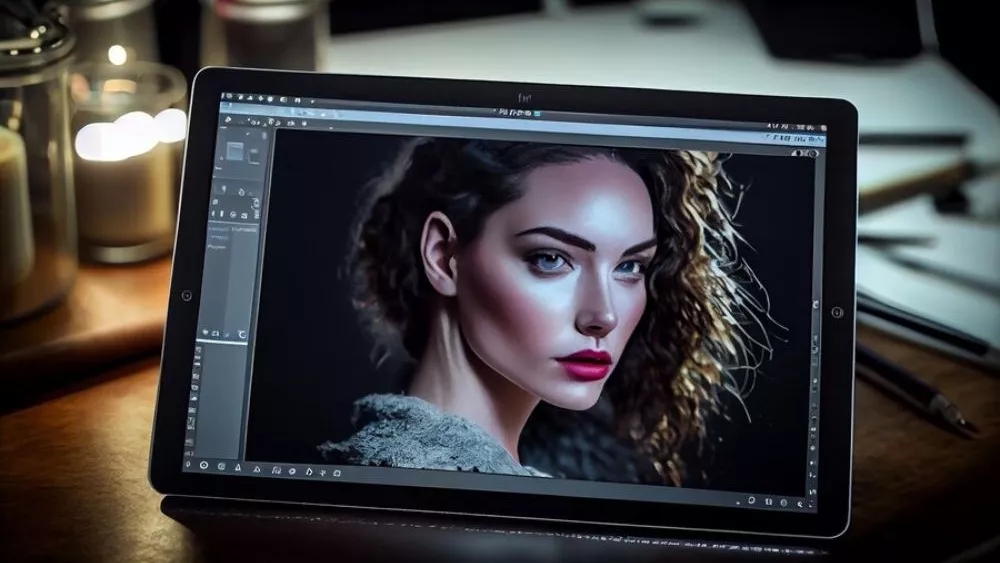

Shooting with smartphones that have four or more main cameras and their megapixels are increasing like crazy is no less than DSLR cameras. On the other hand, despite the advanced sensors, some images still need a little editing, and this is where image editing programs come in handy, the default galleries of most smartphones offer some simple editing features; But for more editing, you'll probably need to find the best professional photo editing software. This list isn't sorted by performance! Here, only the introduction and suggestion of applications have been discussed, and you should choose the appropriate one according to your needs.
Snapseed – a photo studio program with Photoshop
تماس فوری
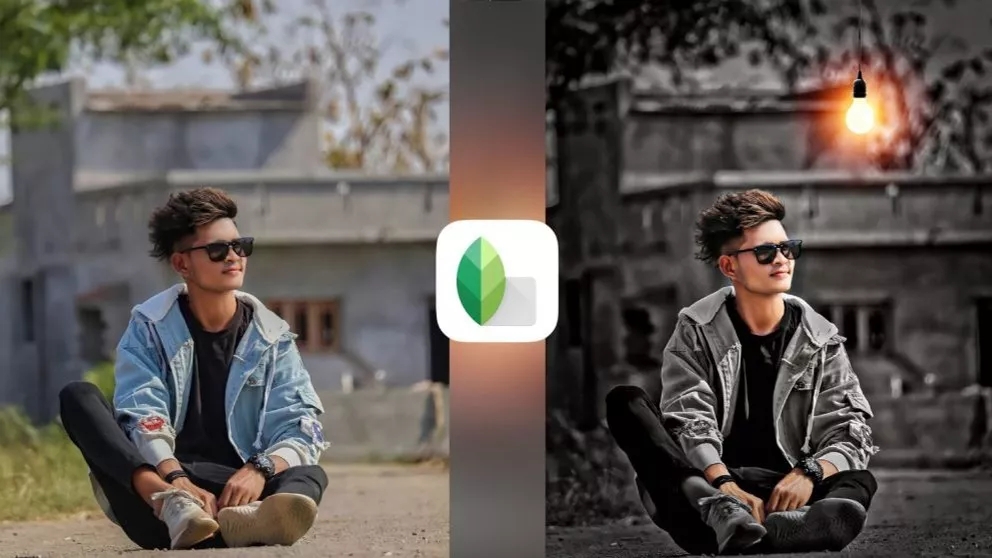
Google has introduced one of the best photo editing programs for phones to the world by creating the Snapseed program. This program is fully compatible with the Android and iOS operating systems and allows you to use its features and capabilities to remove the background of the photo in the best possible way with high accuracy and cleanliness and leave a new background for it, or for example to separate portrait photos from the back screen with greater transparency and resolution so that the photo with a higher resolution is ready for use.
Features:
Remove the subject in the photo
Remove the background of the photo
Ability to adjust HDR
More than 20 filters for each photo
Edit RAW and DNG files and save them as JPG
Possibility to use the dark theme (Dark Theme Mode)
Use the selected filter with a brush, to edit a specific part of the image
Option to save the applied changes as default, to apply On the next pictures
Airbrush – the best photoshop program
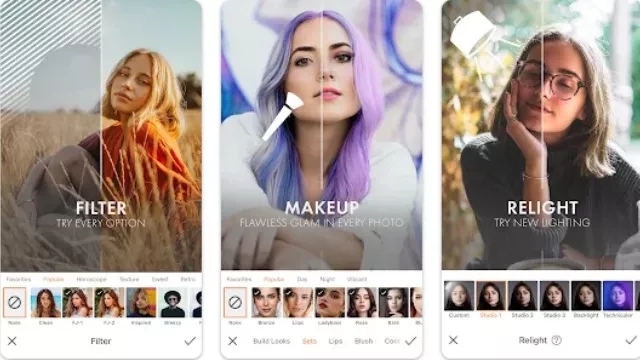
Airbrush is known as the best photoshop app for mobile and even the best photo editing app. This application has received nearly 200,000 positive reviews, which shows how satisfied users are with it. The Airbrush application provides you with all the tools for editing images that you can use to create attractive photos.
Features
Many tools to edit photos
Over 300 filters to edit photos
Possibility of publishing directly on social networks
BeFunky – the best photoshop app for mobile
تماس فوری
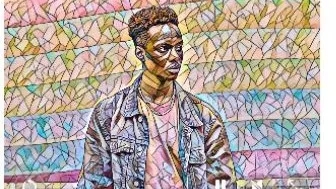
When you enter this application, you will have access to all the options, all of which you can use to edit images. Spend some time with this app to create beautiful photos. With this application, you can remove the image behind the main subject or create a portrait using artificial intelligence. Even with artificial intelligence, you can turn your photo into a painting.
Features:
Very easy to use
Use of artificial intelligence
Many tools to use
Fotor Photo Editor app
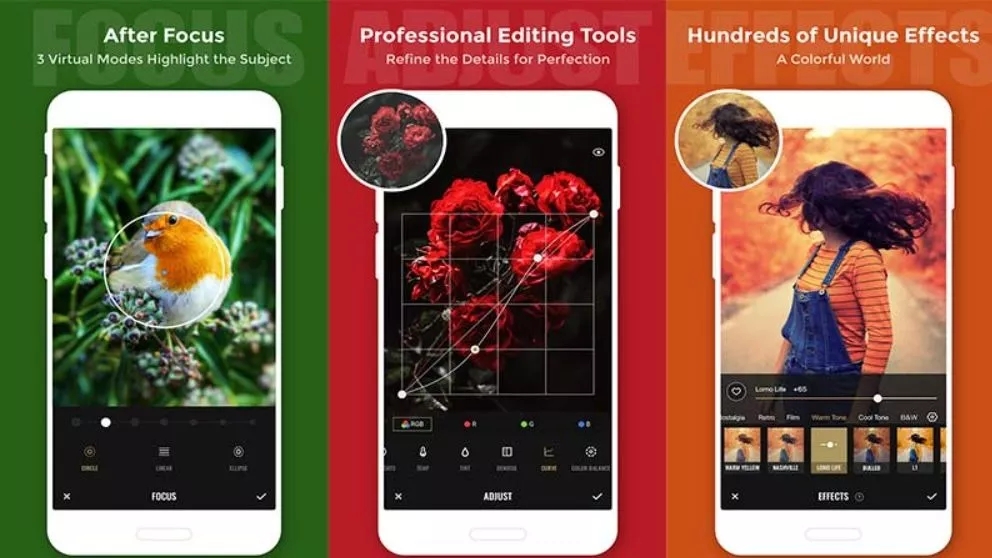
This application allows you to make collages with multiple formats. In addition, it is free and has ads.
Features
Full of diverse features and with a photo licensing platform
Slide on screen optimization for instant edits
Many collage templates, such as Classic and Magazine
VSCO
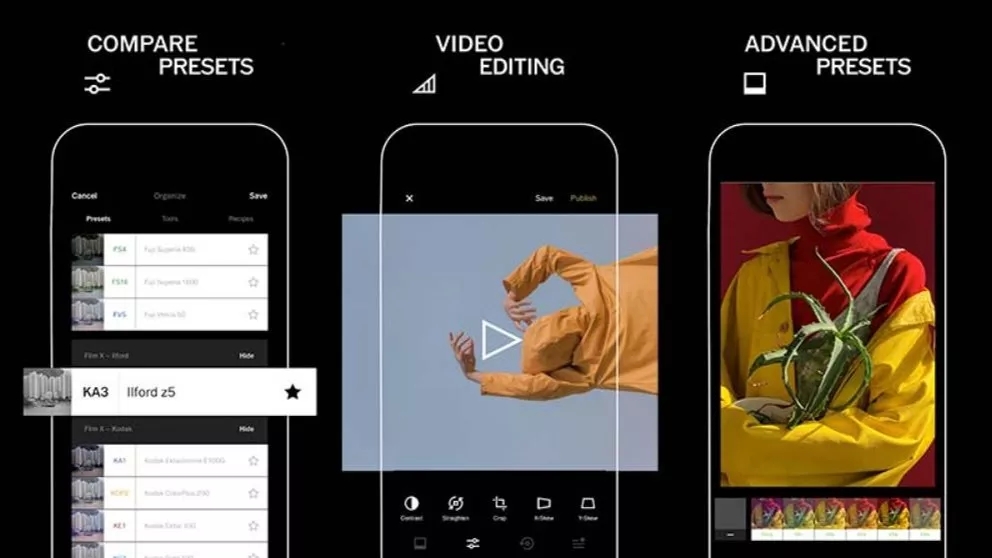
If you are a professional, you must have heard about the VSCO app. The popular image editing app for Android 10 brings special features and several filters to improve images (almost) instantly.
What makes VSCO one of the best are professional image editing tools like HSL and Split Tones. It also has a video editor.
VSCO has also created a platform to showcase the talent of photographers that anyone can join. Of course, after 7 days of free use, you need to subscribe to continue using.
Features
10 free presets for instant image editing
Professional image editing tools
VSCO community to present your images
Pixlr
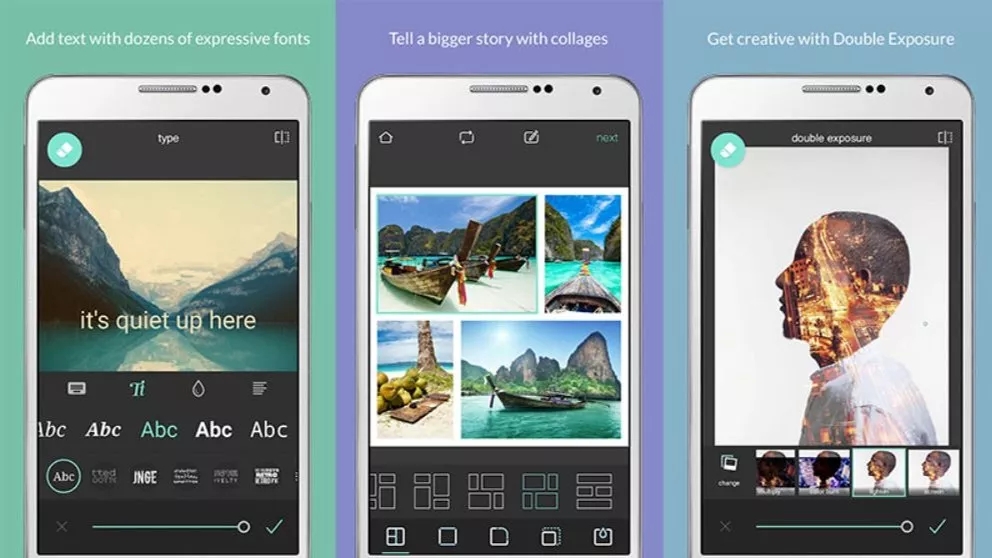
Pixlr is another great free photo editing app. This application contains all the tools that a user may need. It also includes over 2 million combinations of free effects, layers and filters. In addition, you can create attractive collages with various designs, backgrounds, and spacing settings.
Besides, it is able to change the image style with doodles, pencil drawings, and ink sketches. Using this application, you can share the images you have edited directly on different social networks. This app is free, but has in-app purchases and ads.
Features
Option to mark the most used effects or layers as favorites
Remarkable enhancement tools
Auto correction capability to automatically balance image coloration
Collage capability with up to 25 images and various layouts, backgrounds and spacing settings
Photo Lab
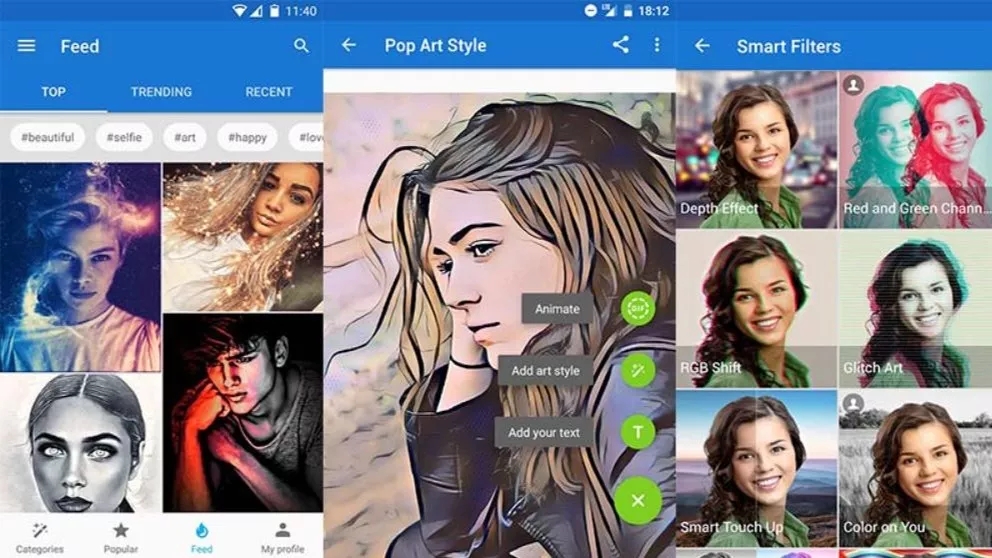
Photo Lab gives a unique effect to images. This collection has more than 900 different effects, including realistic montage of images, stylish filters, beautiful frames, creative artistic effects, collages, etc.
With a simple and intuitive user interface, working with this application is easy to control. This image editor offers all the basic tools a user might need: crop, rotate, adjust brightness, sharpness, and even quick edit.
Plus, you can save your creation to the gallery, easily share via Twitter, Facebook, and Instagram, or send it as a message. This app has a free version that displays ads. But the problem is that it marks the images.
Features
More than 50 preset styles for quick one-touch editing
Advanced face recognition algorithm for face photo montage
inShot
تماس فوری
This shot program is the best all-purpose Photoshop program that allows you to edit short and long videos in addition to photos. In this program, it is not difficult to make attractive videos and photos by adding special effects. This program gives you features including adding music, text, emoticons, slow motion, making video collages. With this tool, you can create super attractive and fantasy videos and share them on social networks such as Facebook, Instagram, YouTube and WhatsApp. Also, if you are looking for the best photo editing app for Instagram, inShot is considered the best photo editing app for Instagram, posts, and stories. Video editing with inShot is a breeze. In this way, it allows cutting the video, merging videos, adjusting the speed and creating stop motion, adjusting the brightness and contrast of the video. Add lots of cool sound effects to the app. There are many fonts available to you, feel the difference by adding them to your videos and photos.
Features
Powerful and professional photo and video editing tools
Different color filters for photos and videos
conclusion
Choosing the best professional photo editing app to edit your mobile photos depends on your ability and needs. Sometimes changes and brief editing of daily photos are enough for you; In this situation, there may be no need to download and install special software and your mobile phone has basic editing facilities by default. In this regard, keep in mind that if your smartphone has a stronger camera, you will record better quality photos and you will definitely be surprised when editing.