
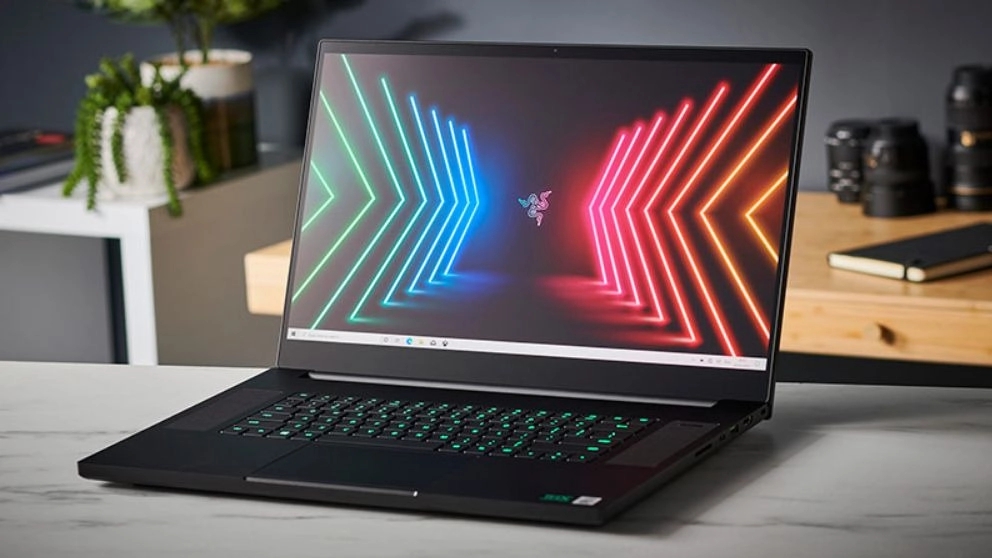
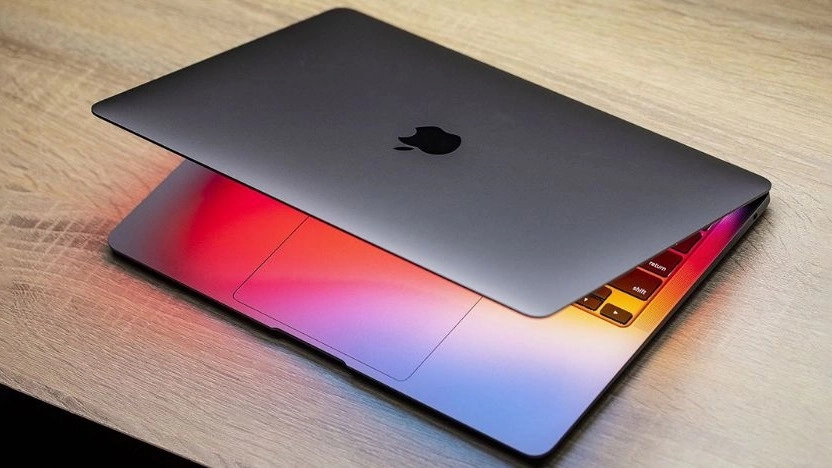



Buying a laptop is not an easy task, and most buyers don't decide to buy a laptop on their own. Most of the users who contact Hanark online store and ask us for the laptop price list, mostly have questions or doubts about the features and specifications of the laptop. There are also some people who have not yet reached a decision in choosing a brand. Of course, since the purchase of a laptop depends a lot on the price of the laptop and the price of the laptop can be considered as a strong limiting factor in the purchase of a laptop, therefore it is suggested that the budget should be considered before doing anything. Calculate for purchase and according to the determined budget, determine the most suitable laptop and the price. Now that you have determined your budget, then check your basic needs and expectations from the laptop and after you are sure what you want from the laptop, line up and categorize your wishes, because according to the type of your wishes You can buy a suitable and functional laptop for yourself. In addition to these things, when buying, you should also pay attention to the technical specifications of the laptop, cpu or laptop processor, laptop RAM memory, laptop battery life, laptop graphics processor, laptop hard drive or internal memory and some Other than these cases.

🔰 CPU
Another tip in the laptop buying guide is to check the central processor or cpu, which is actually the mastermind of your computer and laptop. The central processor is responsible for processing information. The cpu processor plays an important role in determining the quality and power of the laptop by performing operations and performing calculations and running programs quickly. Processors are actually small square chipsets that are placed on the motherboard of a laptop or computer or mobile phone. The processor is inside a plastic socket, this socket is a part of the motherboard and the connection between the motherboard and the processor is made possible by this socket. The main job of the processor is to process the information it receives from the RAM. How processors work can be categorized into three stages, the Fetch stage, the Decode stage, and the Execute stage. Fetch, which is the first stage of processor operation, includes receiving information and commands. Information is transferred from RAM to the processor in the form of complex numbers. The Decode phase starts after registering the fetch command. In the decoding stage, the numbers are converted into signals capable of passing through the CPU. Executing the commands received and decoded from the RAM are sent to the corresponding part of the processor for execution.
🔰 Number of kernels 🔰
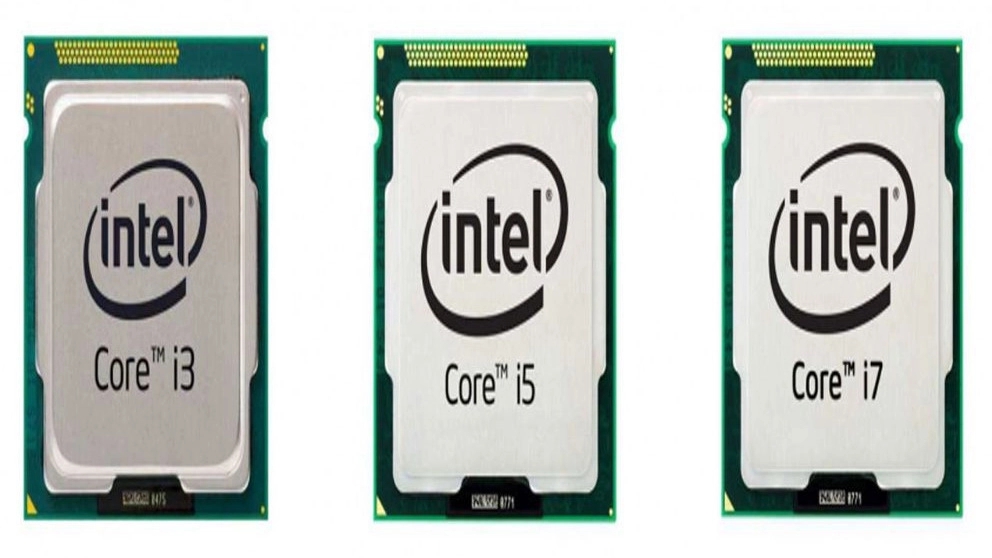
One of the factors that affect the speed and information processing power of a processor is the number of its cores. The multi-core processor is an important factor, the speed of the computer and laptop is directly dependent on it. Processors are divided into several categories based on the number of cores, 7-core processors, 5-core processors, 3-core processors, dual-core processors, and single-core processors. When it is said that a processor is dual-core, it means that it consists of two separate CPUs, and this means that the more cores a processor has, the CPU can process multiple operations at the same time, i.e. Multiple tasks and operations can be processed at the same time. As a result, by increasing the number of processor cores, both the speed of processing operations increases and the performance of the processor increases. Of course, this theory is not always true and depends on the frequency and speed of the processor. Intel processors are usually named as Core i3, Core i5, Core i7. The number after the letter i shows the number of processor cores and informs about the multi-core of the laptop processor.
🔰 Frequency and CPU speed 🔰
What is processor frequency or processor clock pulse! This feature is actually a measure based on which the speed of the processor is expressed and its unit is GHz. For example, when it is said that a 2.4 GHz processor means that this processor can execute 2.4 billion instructions per second. Therefore, the frequency of the processor also plays an important role in determining the speed of execution of commands. The thing you should know when reading the laptop buying guide is which company is the manufacturer of the cpu processor! These days, most laptops have Intel processors and some use AMD processors.
🔰 cache memory 🔰
Another thing that is important in the processor is a parameter called cache memory. The cache memory is actually a small memory that is embedded in the processor, and the higher the number of caches, the higher the speed of operation. Cache memory or temporary memory is where repeated and used instructions are stored. The cache memory is important because the processor does not need to refer to the ram memory every time to execute many repetitive instructions, but by relying on the cache memory, it can execute the request in the shortest time. Therefore, when buying a laptop, pay attention to the number of cores, speed and frequency of the processor, cache memory. Therefore, before buying, you must read the laptop buying guide and buy the best laptop with the right specifications and price.