


What is the top of the top?
Before introducing laptop components, we should have a brief definition of laptop in mind. Laptop is a small, light and portable personal computer. The weight of the laptop depends on its components and is usually between 1 and 7 kg. The laptop is powered by a battery that is charged with an AC/DC adapter.
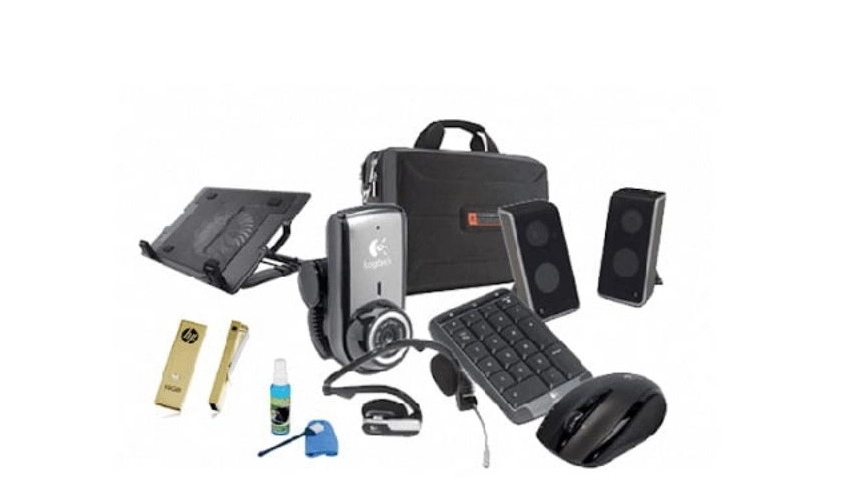
The components of the laptop are the same as the components of the desktop computer, but its weight and size have been reduced as much as possible. The external parts of the laptop are actually what you see in the appearance of a laptop: the screen, keyboard, touch screen (mouse), a number of ports and webcam are the external components of the laptop.
Laptops
Laptop can be classified based on three features;
Size
user type
Brand< /font>
If we are to divide according to size, there are three groups;
1. Note
2. Ultrabook
3. Hybrid laptop
✔️ If the segmentation is based on the type of user, its category is as follows
1. Student laptop
2. Multimedia laptop
3. Industrial (commercial) laptop
4. Laptop for home use
5. Gaming and graphics laptop
✔️ Laptops; Main components
Laptop components consist of various hardware components that act as links in a chain.
✔️ Won
Motherboard is one of the main parts of a laptop and is responsible for controlling the central processor and establishing communication between other parts. All laptop ports, processor and graphic card, which are the two main parts, are located on the motherboard.
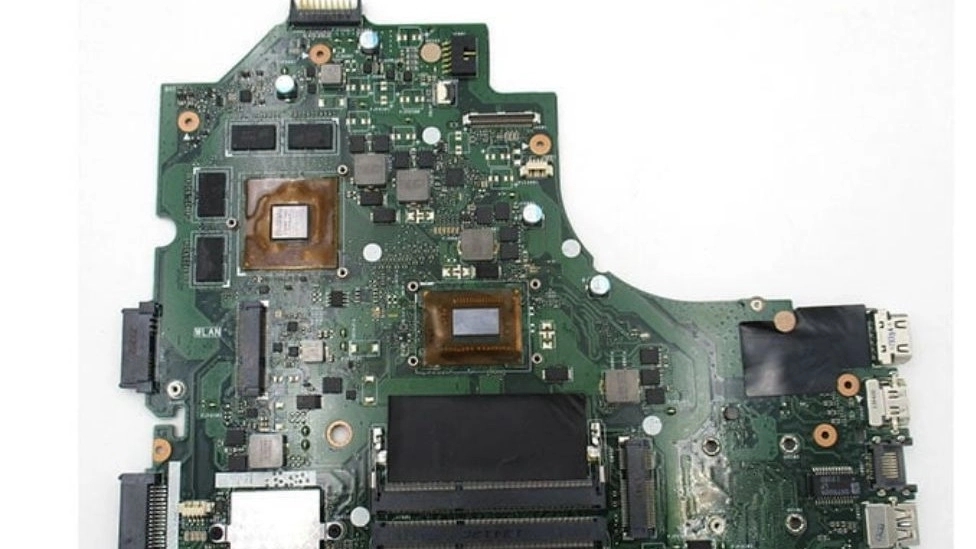
✔️ CPU or CPU introduction
Another part of the laptop is the processor or the central processing unit, which is also known as the brain of the computer. This part is installed as a chip on the main board of the system (motherboard) and is one of the main parts of the laptop. The tasks of the CPU include: managing all data processing steps, mathematical operations, logic, comparison and calculations related to addressing.
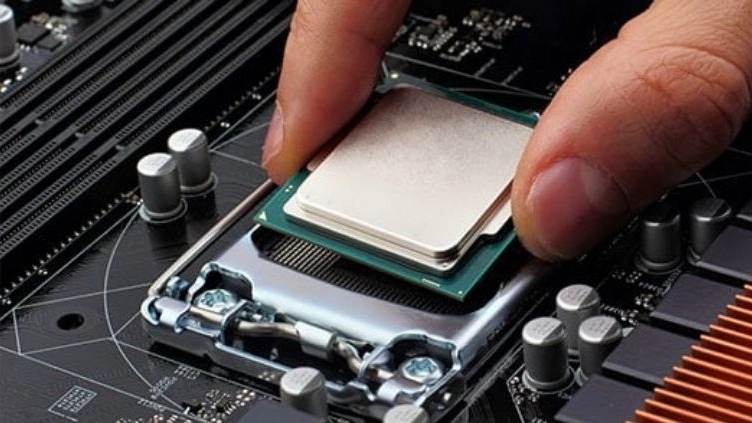
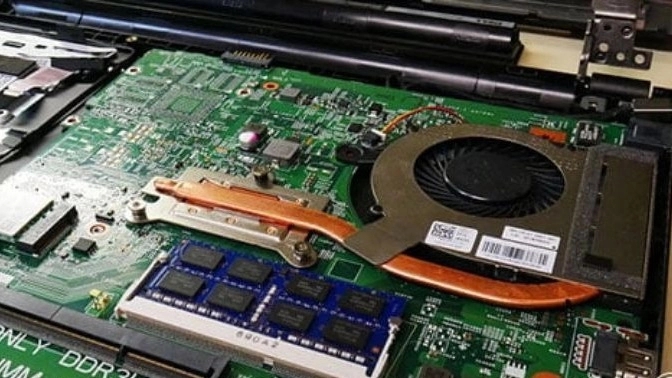
CPU needs electricity to perform processes and produces heat due to electricity consumption. A fan is used to cool the processor, Heat sink is an aluminum or copper piece that is placed exactly on the processor. The fan moves the cool air stream to the processor and keeps it cool all the time.
Graphics Card
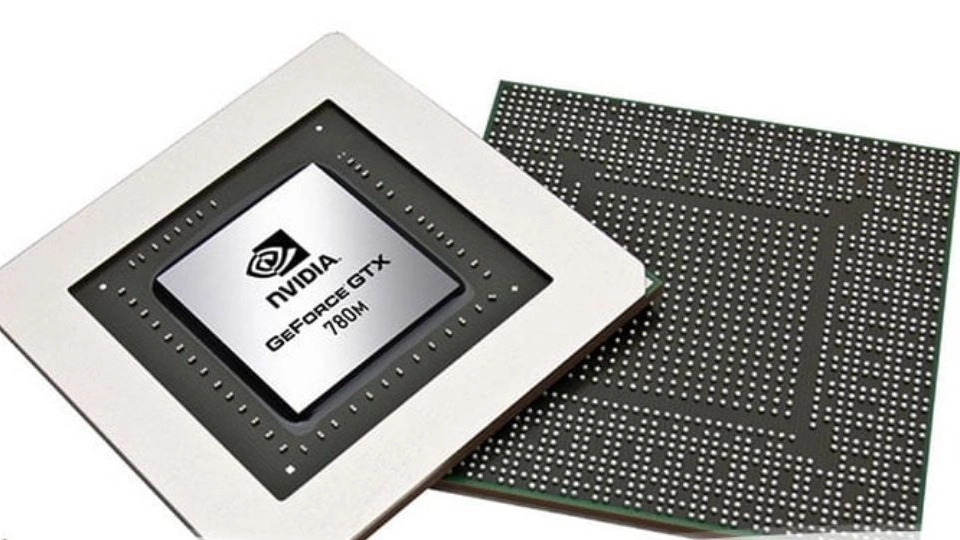
Graphic card is the second most important among laptop hardware, after the processor. The graphics card is responsible for image processing and communication with the monitor. The graphic card prepares processor information for display on the screen, the amount of processor power and memory has a direct relationship with the image quality. Screen and TV. The graphic card has its own RAM and the images are stored in this memory for a few moments to be displayed on the monitor. Currently, there are 3 big companies producing graphics cards: Nvidia, AMD, and Intel, but the main competition is between Nvidia and AMD due to being more powerful.
✔️ Hard Disk
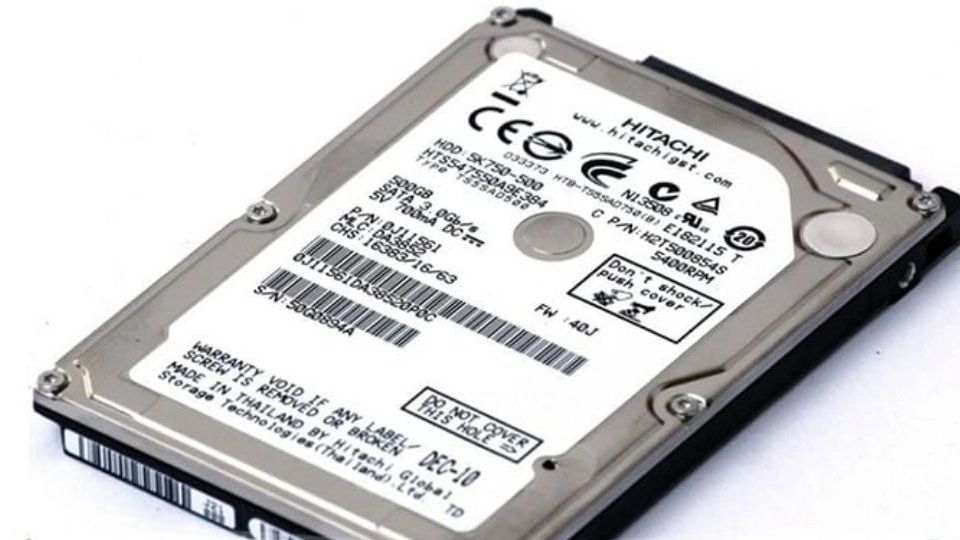
The hard disk is a part for storing information permanently and its capacity is measured in gigabytes and terabytes. The hard disk has a flexible plate that magnetically stores information by rotating a head on its surface. The rotation speed of this screen is measured in RPM (revolutions per minute) and it varies depending on the hard drive type: 4200, 5400, 7200, 10000, 15000. Hard drives are produced in 3 different sizes, 1.8 inches, 2.5 inches and 3.5 inches, the first two sizes are mostly used in portable devices. The storage capacity of hard drives in the latest generation is 146, 300, 450, 500, 600, 900 GB and 1 and 2 TB and above. Among the hard drives, the power consumption of the hard drive with a speed of 7200 RPM is higher.
✔️ Hard
SSD is another type of memory for storing information and is faster than HDD. It is much higher. Because this memory is fixed and does not have a moving member to store information, it has a much higher lifespan than HDD.
If your system processor has a high speed, using SSD has a great effect in increasing the system speed. This memory is very light and reduces the weight of the laptop.
SSDs are produced in four different types in terms of the type of connection with the motherboard: M2, SATA, PCIe, and NVME. The best connection type for laptop is M2. The capacity of this type of memory is from 32 GB to 4 TB for laptops.
✔️RAM
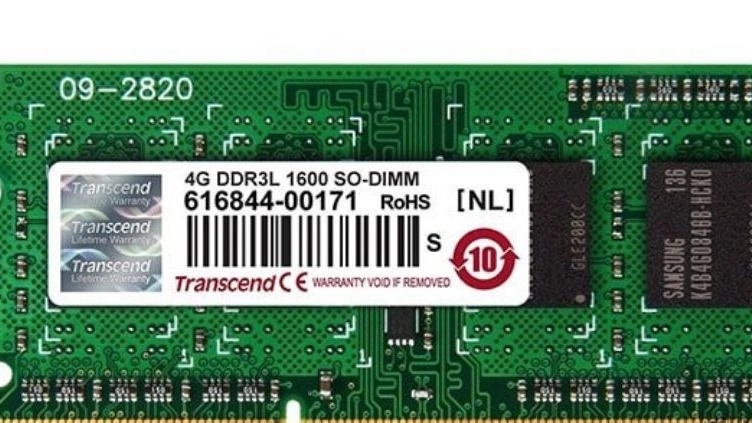
RAM which stands for Random Access Memory means random access memory. RAM is the temporary memory that all laptop operations depend on. RAM is the memory that is placed between the processor and the hard drive, and it is natural that it should have a much higher speed than the hard drive and SSD. This memory is known as volatile memory, because every time the laptop is turned off, its information will be completely lost.
✔️
To use the maximum speed of the processor, the data transfer speed from the memory to the processor must be the same. But the processor speed is much faster than the RAM speed. In this case, the processor must wait a long time to receive information from RAM. To reduce the waiting time and increase the speed of the system, the cache memory is embedded in the CPU.
The function of the cache memory is to store user commands. The speed of the cache is the same as the speed of the processor, so the information reaches the processor quickly. And there is no need to call information from ram, only the information that is not in the cache is called from ram. Large cache memory has a direct relationship with high system speed.