

Website design with Elementor
Teaching template design with Elementor is a simple and great way to build a WordPress website. Creating a WordPress theme with Elementor does not require coding knowledge. You can customize almost all parts of your website by just dragging and dropping elements. Elementor has many widgets, including: text, images, buttons, etc., which you can use to create a template with Elementor.
What is Elementor and how does it work?
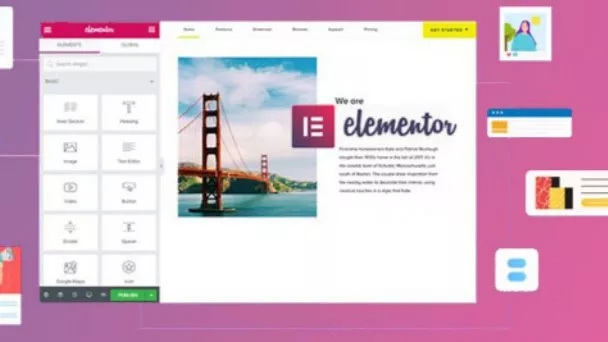
Elementor plugin is a full-fledged and professional WordPress page builder that helps you create different parts of the website by dragging and dropping elements. This plugin is available in two free and professional versions that you can use to create WordPress skins and design pages.
The free version of Elementor does not provide you with many flexible features, so if you plan to design a WordPress template with Elementor, you should go for the professional or pro version to have a variety of features and widgets at your disposal.
Regardless of which version you choose, Elementor is a strong and flexible plugin that It allows you to create beautiful designs that can enhance your existing theme or help you build a new design from scratch. With the Elementor plugin, you can design landing pages, pop-ups, creating custom headers and footers, etc.
تماس فوری
Template design training with Elementor at high speed
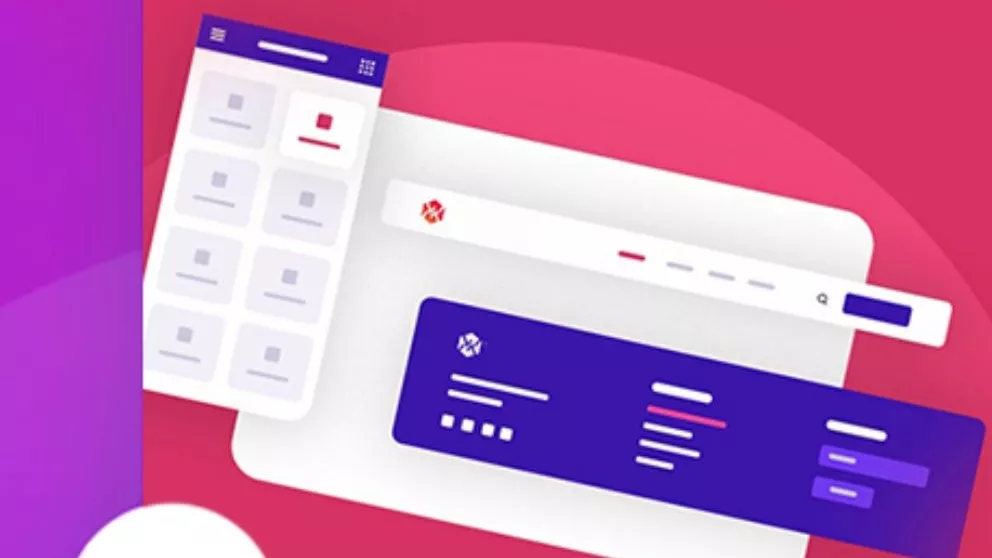
By dragging and dropping elements, you can create your pages very quickly and design the WordPress theme with Elementor. Fast website building, instant live editing, instant page loading, etc. make WordPress theme building easier and more enjoyable for you. Elementor has live design and built-in editing, so you can see the result of your work after editing each page.
Professional and unique features of Elementor
Hundreds of pre-designed templates and blocks
From more than 100 pre-prepared templates, you can choose a template and customize it according to your taste. You can also choose and combine more than 300 blocks to build your website and build a WordPress theme with Elementor in the best way. Blocks are pre-designed section templates that can be easily integrated into any page. Blocks include different types: services, descriptions, calls to action, etc. You can also save your created template and use it on your other pages.
Responsive Live Editing
Elementor Website Builder has a unique set of tools that allow you to create a responsive website in a completely new and intuitive way. You can design the size of the font, the size of the border and the edges of the pages, as well as the size of the columns in a fully responsive way.
With more than 40 free widgets
No page builder can compare with Elementor. With Elementor's widgets and features, you can create the best and most attractive pages for your site.
Elementor is one of the most popular and widely used WordPress page builder plugins that allows you to create the main page of the site and other pages without the need for coding and programming knowledge and skills. With the help of this plugin, you will be able to use ready-made and pre-made templates in addition to designing all the parts of the site and change them according to your taste.
تماس فوری
The most common elements used on the main page of the site
One of the ambiguities and problems faced not only by beginners in the web field and novice site managers, but also by website design experts and professional programmers, is the topic and strategy of the elements and elements that are placed on the main page of the site. It depends. For example, suppose you intend to design an educational website in the field of trading in the financial markets, or you are a person who wants to convert your traditional business into an internet business and sell your own store products using a store website; Do you think the elements used in the main page of these two are the same?
The answer is clearly “no”. For example, in store websites, the designer's emphasis is more on introducing products and advertising discounted goods; But on the other hand, educational websites focus on articles and free trainings, or corporate websites emphasize records, resumes, portfolios, branding, etc.
So we conclude that if you are a designer or a business owner, you should first determine your goal and strategy for designing and building a website and based on that, enter elements on the main page of the site.