


Audio introduction
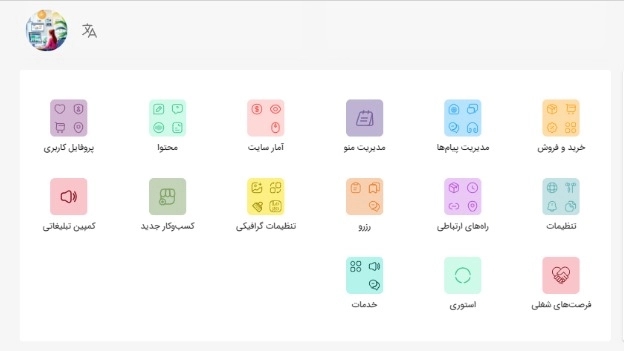
- First enter the counter.
- Click on the content.
- Click on the audio introduction.
- Click on “Choose a new audio introduction”.
- Click on “Add new file”.
- Write the name of the audio file in the “File Title” field.
- Click on the microphone.
- Record your voice and click the blue tick.
- If the file You have already saved the audio in your mobile phone or system, select it by clicking on the pin and press the record button.
- Then, from the file selection section, select the desired file and press OK.