


working hours
- First, enter the counter.
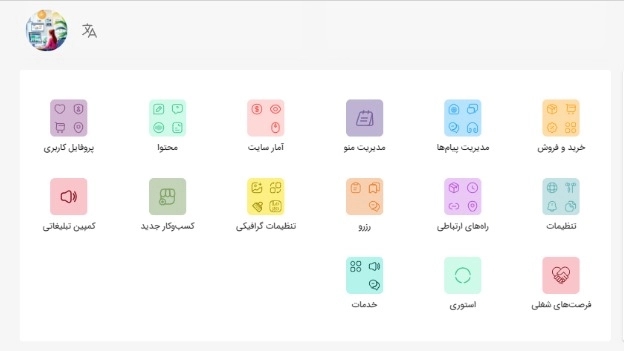
- Click on "Communications" and then "Working hours".
- Click on "Add".
- Select working days and then click on the "Select" button.
- Select the starting hour and minute from the clock and click "OK". Your collection has two shifts, you can use the "add" option.