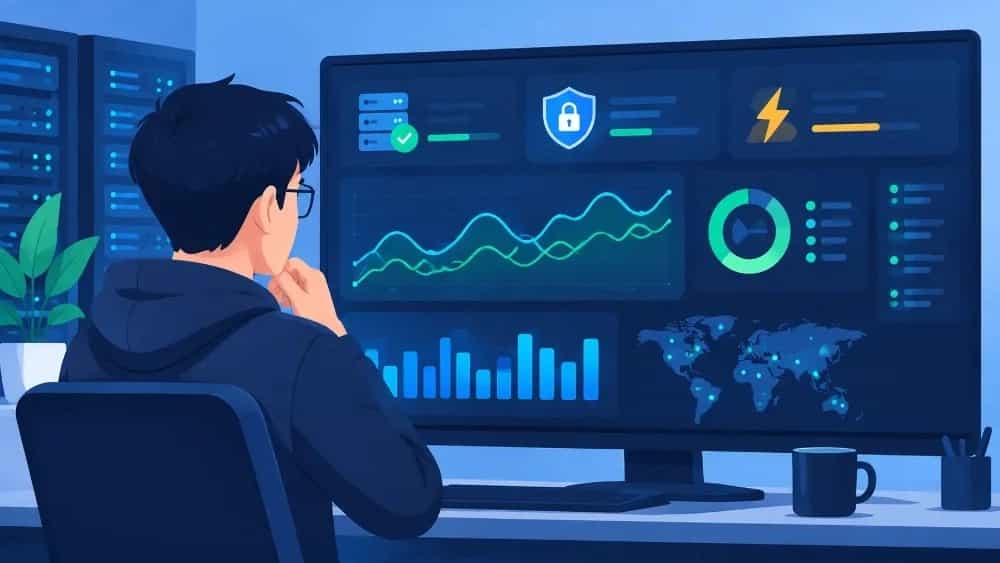

A comprehensive guide to site support: from technical infrastructure and security to organic growth and SEO
In today's fast-paced digital ecosystem, launching a website is only the first step in entering online markets. Many business managers think that with the delivery of the website design project, the work is finished; While the site is a living, dynamic and continuous entity that requires constant care, security updates and technical monitoring. Site Support goes beyond fixing a simple error or restoring the site after an outage, it is a set of engineered processes that ensure stability, security, loading speed and organic positioning of your brand in search engines. Without a structured support system, even the most advanced websites will experience slow speeds, security vulnerabilities, and traffic drops over time.
Topic Autopsy / Fundamental Answer: Why do websites crash without support?
The root of many online failures in digital marketing and sales is ignoring the importance of ongoing maintenance and support. A website consists of different layers such as hosting or server, content management system (CMS), dedicated or ready-made template, external plugins, front-end and back-end codes. Each of these components needs to be reviewed periodically.
When search engine algorithms change, or new versions of programming languages and content management systems are released, old code may become incompatible. The result of this incompatibility is the occurrence of server errors, broken links, increased page loading time, and finally, the destruction of the user experience (UX). As a result, users quickly leave the site and the bounce rate increases. Professional support with real-time monitoring identifies and resolves these challenges before they become a crisis.
Variables and technical solutions in website support
Specialized subsection: Monitoring Core Web Vitals and critical performance indicators
To know the technical status of the site, we must rely on standard data and official documentation. In the official documentation Core Web Vitals, Google has introduced three key indicators to evaluate the user experience and page quality:
- LCP Index (Largest Contentful Paint): Load time of the largest content element on the page. According to Google standards, this value should be below 2.5 seconds so that the user is not delayed when he first encounters the site.
- INP index (Interaction to Next Paint): The interactive response rate of the site to the user's clicks and touches. The optimal value of this index should be less than 200 milliseconds.
- CLS (Cumulative Layout Shift) index: The degree of visual stability and jumping of page elements during loading, which should be kept less than 0.1.
The technical support team is responsible for constantly monitoring these indicators with accurate monitoring tools. In addition, careful review of HTTP status codes (based on MDN standards) including success codes (2xx), redirects (3xx), user-side errors (4xx such as 404 or Page Not Found) and server-side errors (5xx such as Server Termination or 500) is a critical part of the daily support checklist.
Technical Vital Indicator | Reference Standard | Site Support Team Role |
Load speed (LCP) | Under 2.5 seconds (Google Docs) | Optimizing images, server cache and scripts |
Responsiveness (INP) | Less than 200ms (Google Docs) | Cleaning up heavy JavaScript code and optimizing events |
Visual stability (CLS). rowspan="1"> MDN and RFC 9110 standards | Monitoring and fixing server errors (5xx) and broken links (4xx) |
Security, regular updates and backups (Backup Strategy)
Digital security is not a fixed point, but a continuous process. Hackers and malicious bots are constantly scanning sites for security holes in plugins or outdated CMS versions. According to the official guidelines of platforms like WordPress, security updates and fix packs should be applied to the site as soon as they are released.
A standard backup strategy includes the preparation of automatic backup copies (Backup) in certain time intervals (daily or weekly depending on the volume of transactions and content creation) of the database and the main files of the server. These copies should be kept in a separate server or tool space so that in case of any hardware failure or malware penetration, data recovery can be done in the shortest possible time (low RTO).
Field experiences and optimization solutions in infrastructure management
In the specialized approach of the Behzai Collection under the management of Maziar Muradpour, website support does not only mean fixing occasional failures or responding to temporary tickets; Rather, support is understood as a fundamental part of Business OS.
In projects whose primary structure is formed by web engineering standards (such as the standards implemented in W3Design), Behzi's team combines the support process with the automation of alerts, continuous monitoring of webmaster tools, and coordination between technical infrastructure and local marketing strategies (Local SEO). When a website acts as the beating heart of online sales, the slightest server outage or drop in ranking on critical keywords directly affects business revenue. For this reason, smart monitoring and preventive protocols have replaced traditional and reactive methods.
Specialized summary
Your website is your business's most valuable digital asset, and leaving it behind after the design stage is a waste of capital and growth opportunities. By adopting a codified strategy in the field of technical support, continuous monitoring of speed and security indicators, and taking advantage of modern infrastructure management approaches such as Behazi Business Operating System, you can ensure the sustainability of your brand in the competitive online environment. Our experts are ready to accompany you to receive advice and check the structure of your website.