
1. Checking the body's health status
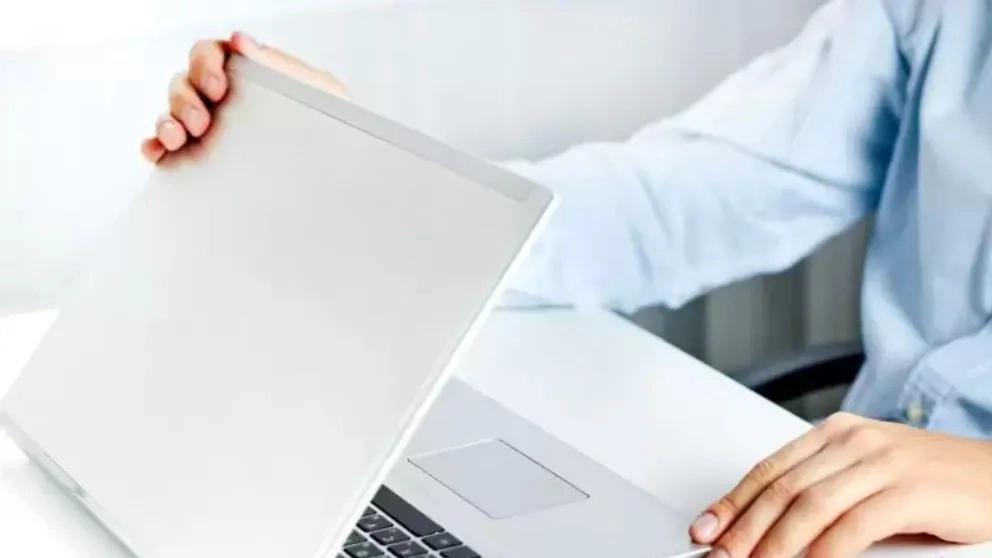
If you are able to see a stock laptop in person, a full body inspection is a must. Make sure there are no cracks or impact marks on the laptop case. Also look for missing screws, sagging hinges, or other anomalies.
Even if the laptop is working fine, if it looks like it's been dropped many times, you can't tell what kind of internal damage it might have, which could shorten the life of the laptop. Buying a laptop that shows signs of impact from the outside, even with the owner's guarantee, is considered a risk.
2. Check the screen status
The next important step is to confirm that the screen is in good working order. Flickering, discoloration, brightness, and defective pixels are all things to look for.
Open a video and check the viewing angles to see if it's enough. Pay attention to the colors of the image. Colors should be bright and consistent. If certain parts of the display have dead or washed-out colors, it's going to bother you. You can use specialized screen test software such as PassMark Monitor Test.
3. Ensure the health of the battery before buying a used laptop
First of all, you should know that the useful life of the laptop battery is about three to four; Therefore, if you are going to buy a laptop that is more than four years old, you should not expect much from its battery. However, checking the power management settings to see the battery charge and battery health status will tell you how long the battery will last. For this reason, you can refer to the second-hand and stock laptop battery health test article.
Be sure to test the device's charger and make sure that the laptop is charged correctly and that there is no abnormal temperature increase in the battery during the charging process. Also, make sure that the laptop charger is genuine so that you don't get caught by fake chargers in the market. See more complete information about this topic in the article on buying laptop charger tips.
4. Review of keyboard and touchpad
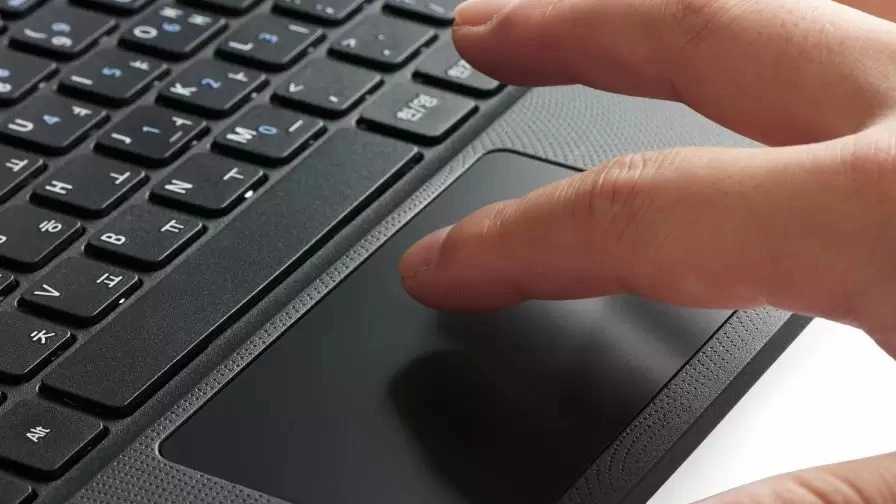
The most used part of the laptop is undoubtedly its keyboard and touchpad. When testing a used laptop, click on the touchpad several times to make sure it is healthy. Make sure that the left and right keys are soft and sensitive, and the touchpad is also sensitive to touch. Check out scrolling, zooming, swiping and generally everything that can be done with the touchpad. Maybe this part is not important for you and you use the mouse more to meet your needs, but in any case, the failure of the touchpad can affect the price! Check the keyboard for broken keys, pay attention to key travel, and see if you are comfortable typing on it. Open a program like Word If you're making a lot of mistakes, it might be a good idea to switch laptops. Sometimes a crumb may be stuck under a certain key. We emphasize that you test each and every key 5. Full check of all ports and CD/DVD drive Test all USB ports, headphone jacks, Ethernet connections, HDMI, SD card slots, and other inputs. Many of these plug directly into the motherboard, which can be expensive. If you buy the laptop in person, be sure to have a flash memory and headphones with you that can at least test the USB ports and audio output. Despite the fact that CDs and DVDs are no longer used, many laptops still have a CD/DVD drive. Check if it works or not. Usually, because this part is used more and is a bit sensitive, it is more exposed to failure. So make sure it works properly. A DVD writer that makes a lot of noise or has a very slow speed is likely to fail sooner than expected. 6. Review of speakers, webcam and communication Most laptop webcams are of low quality. However, having a mediocre working camera is better than not having one. Although we doubt many people use their laptop speakers very often, it's still wise to check how loud the laptop speakers are and that the sounds aren't muffled or distorted. Nobody really wants a laptop that doesn't have internet access, so make sure you can easily find and connect to Wi-Fi networks. Also check the Bluetooth connection function. 7. Software review and testing There are a few software checks you should do before buying a stock laptop. Be careful to replace the laptop windows. Even if the owner did it before handing it over to you! Replacing Windows by the user's own hands makes him fully aware of the speed of the laptop. Download and install the relevant drivers from the relevant driver CD or from the Internet at the relevant website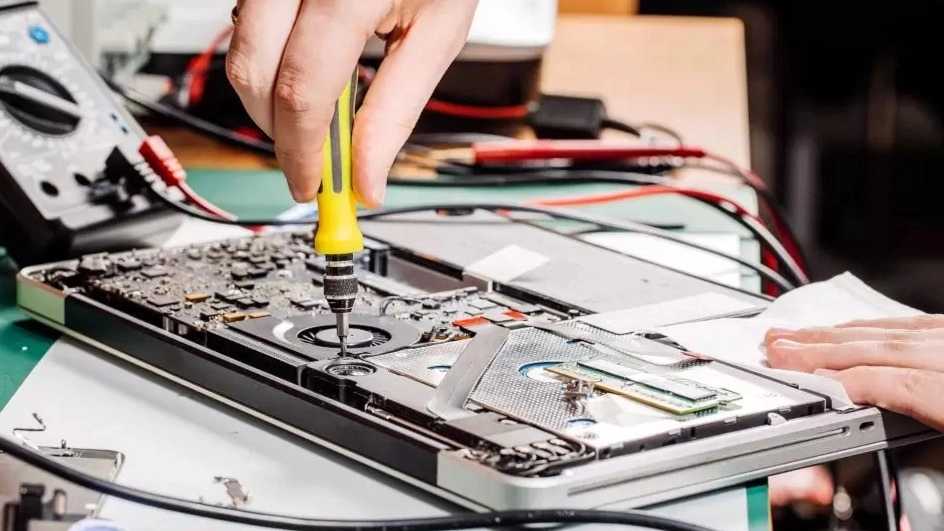
8. Testing of hardware components
One of the important things that you must pay attention to before buying a second-hand laptop is whether the laptop hardware can meet your needs in the field that is needed or not? Because even one of the laptop's hardware parts is broken and defective, it causes loss of information and sometimes it is very expensive, so all computer users, from beginners to professionals, must pay attention to having a stable system. You can use BurnInTest Pro 9 specialized software for this purpose. This software will meet your needs in the field of hardware testing and troubleshooting of laptop and computer parts. To learn how to perform hardware testing with this software, take a look at the article on testing system hardware components with BurnInTest Pro 9 software. 9. Hard drive test before buying a used laptop To ensure the health of the hard drive, install the Hard Disk Sentinel (HDSential) software. In the program, you can find out about things such as bad sectors by performing various tests. Its purpose is to find, test, diagnose and repair hard disk drive problems, report and display The health of SSD and HDD is the destruction of performance and failure. Also, if the laptop in question is equipped with SSD memory, it can be tested with this software to show the health of the part in question definitively.